 Paai Fai
Worked example: a two-line collection point
This sign answers two questions: what to do and where to go. “COLLECT ORDERS” occupies the first line and “AT COUNTER 2” the second. It avoids mixing prices, opening hours and contact details into the same instruction. The example uses plain light-green text on a dark background.
Begin wayfinding signs with Still so someone arriving does not wait for the important words to scroll into view. Put promotions in another scene, then check that passing customers can read a complete cycle.
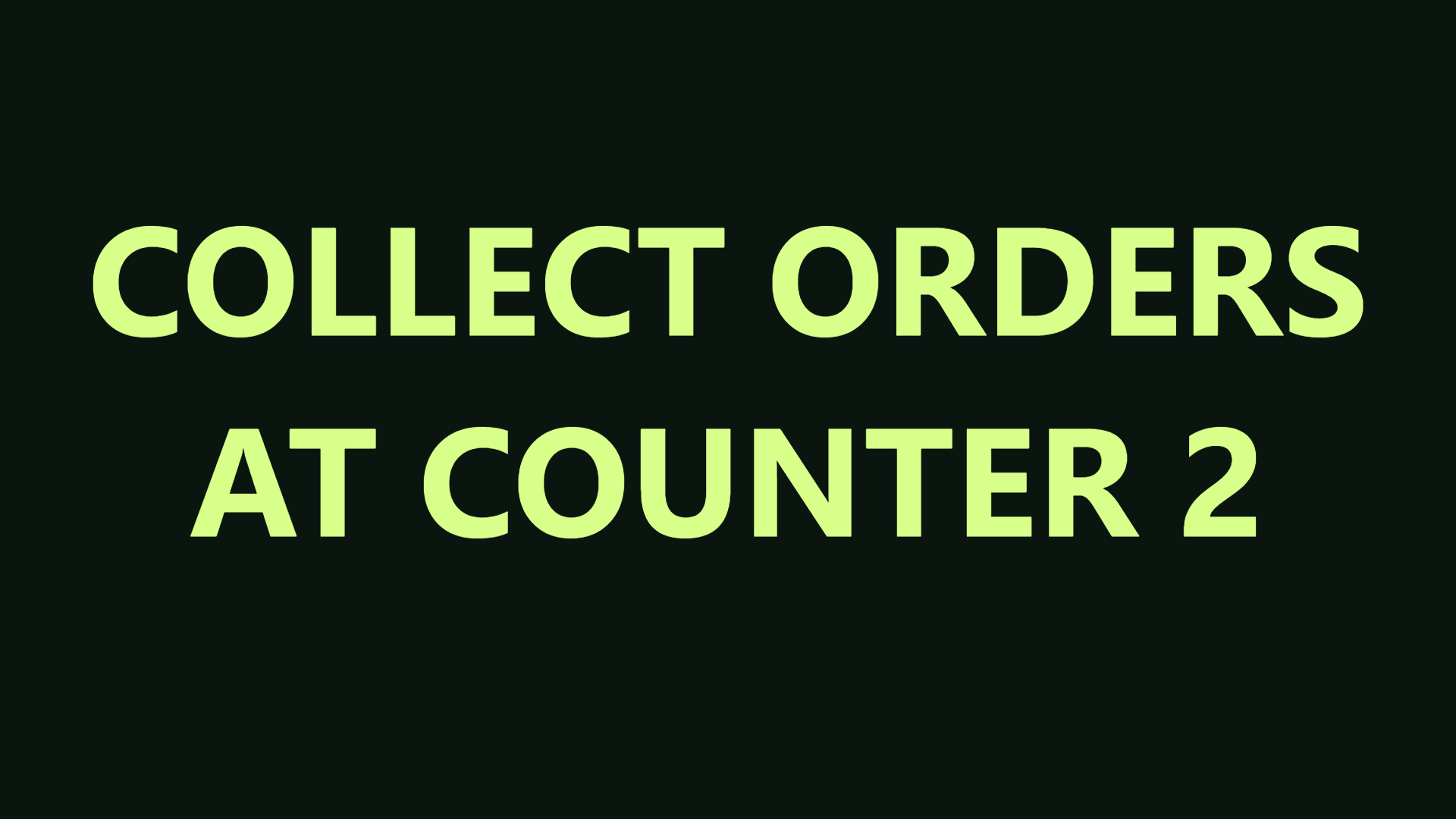
- Type “COLLECT ORDERS”, press Enter and type “AT COUNTER 2”. Multiple lines turn on together.
- Choose Minimal (plain text), Still, text #D8FF8A and background #0B1510.
- Open fullscreen on the shop's display. Verify the number, then read it from the entrance.
- If a logo is needed, add the shop's local file, move it away from the instruction and back up the project with its artwork.
Separate messages by the customer's next action
These are design starting points, not claims about sales performance. Use only information that is accurate while the scene is showing. Check offer dates and conditions before opening.
| Job | Example | Display choice |
|---|---|---|
| Wayfinding | COLLECT ORDERS / AT COUNTER 2 | Still: show the complete destination |
| Waiting | PREPARING YOUR ORDER / THANK YOU FOR WAITING | Separate scene from collection |
| Promotion | TODAY'S SPECIAL / ASK AT THE COUNTER | Show only while the offer applies |
| End of service | ORDERS CLOSED / SEE YOU TOMORROW | Replace the sales scene instead of looping an expired offer |
Build a useful sign first
Start with “WELCOME”, opening hours or a direction customers need. If you show an offer, supply the actual price, dates and conditions yourself. Templates do not invent discounts or guarantees. Divide important conditions into readable sections rather than hiding them in a fast line.
Add a local logo as PNG, JPG or WebP. The image is resized on the device and stored in browser IndexedDB. Transparent PNG works well for a logo. Position, rotate, size and opacity controls help it fit the sign without covering the message.
Save a brand and a scene
A brand kit stores colours, font, weight and the local logo reference. Applying it keeps your current message. A scene stores the complete sign and its timing. Use scenes for morning, afternoon or special-event designs that need different content or artwork.
Choose the schedule time zone and eligible days. Overnight intervals belong to their starting day. A browser playlist runs while the page and device remain open; it is not a hosted unattended signage service. Check the device’s sleep settings during setup.
Move the design to the display device
Download a .paaifai project to include photos, editable drawings, saved signs, scenes and brands. Back up any existing project on the destination device before importing, because its library and scenes will be replaced.
Remote rooms send text and settings, with a separate local photo selector on the viewer. They are a free limited beta for short sessions. For a permanent shop screen, import the project locally and test the complete schedule on the actual device.
Look after a screen that runs all day
A tablet or old monitor used as a shop sign may stay on for many hours. Keep it charging, away from direct sun and with airflow, and check the device's sleep settings: the browser can ask the screen to stay awake, but the operating system may cancel that request when the battery is low or the device is hot.
Adjust brightness through the day. Raise it to compete with daylight and lower it at night so passers-by are not dazzled. On OLED screens, avoid showing the same still message all day; rotate scenes or use gentle scrolling to reduce the chance of image retention.
Before opening each day, check three things: the message matches today, prices and offers are still valid, and the screen is still displaying. An expired offer on a sign disappoints customers more than having no sign.
Short messages that work at a shop window
People walking past give a sign one or two seconds. Pair a short attention line with the one detail they need, and split them into two lines or two sections instead of writing a full sentence.
| Situation | Message | Check |
|---|---|---|
| Opening | OPEN NOW / UNTIL 8 PM | Update when hours change |
| Offer | 2ND DRINK HALF PRICE / TODAY UNTIL 5 PM | State the conditions and end time |
| Sold out | MORNING BREAD SOLD OUT / NEXT BATCH 2 PM | Replace it as soon as stock returns |
| Short break | BACK AT 1 PM | Always give a return time |
| Collection | ONLINE ORDERS / PICK UP ON THE LEFT | Give a clear direction |