Paai Fai

Free LED scroller Make your message move

Scrolling text online · Type → Choose a style → Go fullscreen

Free · No account needed

Enable JavaScript to create a sign. Guides and examples below remain available.

Read the guide
MAKE IT YOURS

Make an LED banner for your moment

Create concert phone signs, shop messages and moving text with local photos, handwriting and video exports. Explore the English guides to get started.

Three signs you can make yourself

Start with the message's job. These examples come from the actual editor, with the words, settings and steps to reproduce them. Follow each guide to adapt the design to your display.

A short concert message

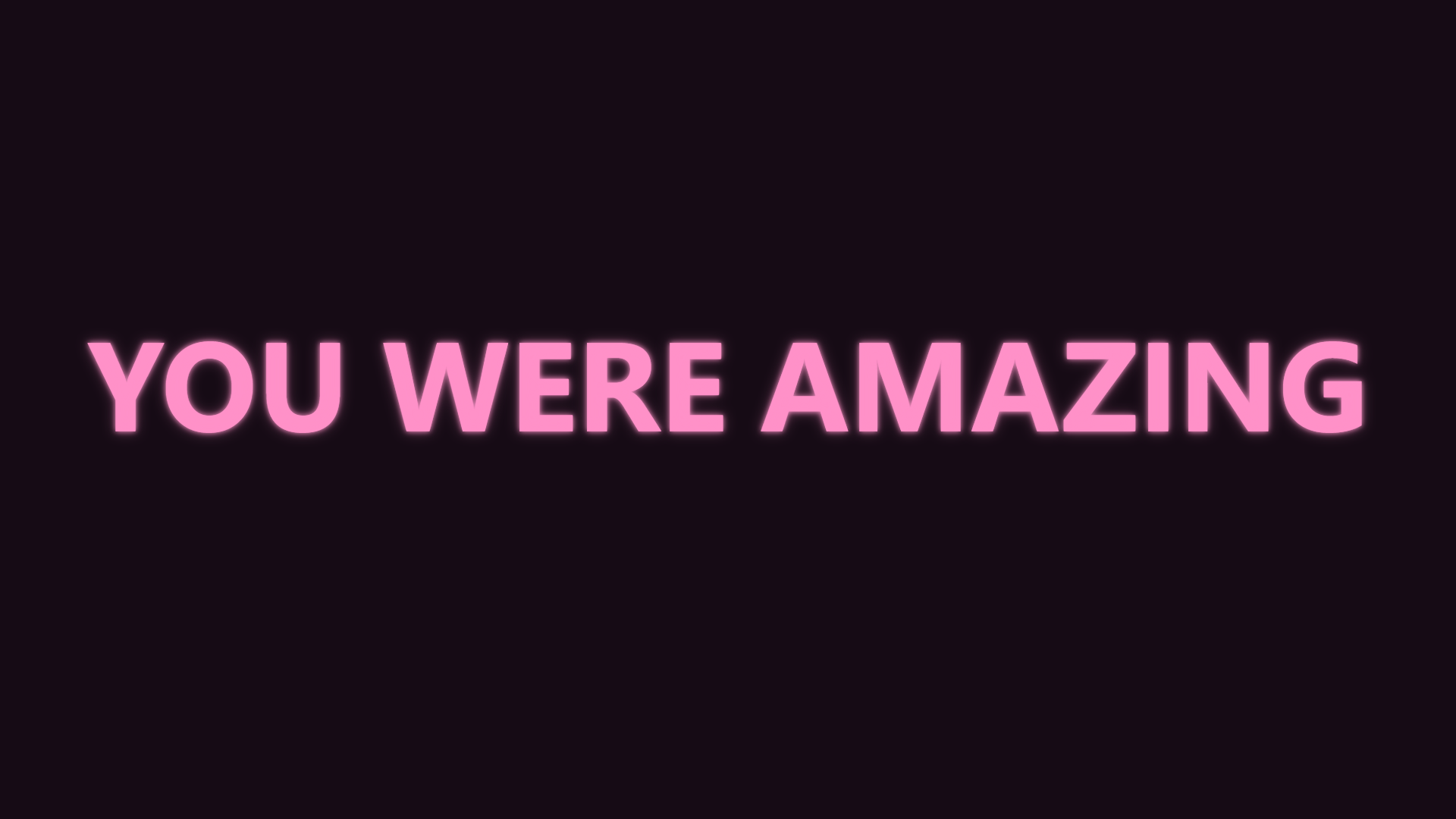
A short concert message: YOU WERE AMAZING
Still image exported from Paai Fai · 1920 × 1080

A still pink message on a dark background. The whole phrase is visible at once for a brief moment of attention.

  1. Type “YOU WERE AMAZING”
  2. Choose neon, pink text and Still
  3. Open fullscreen and check it from the intended viewing distance
Follow the complete walkthrough →

A clear collection-point sign

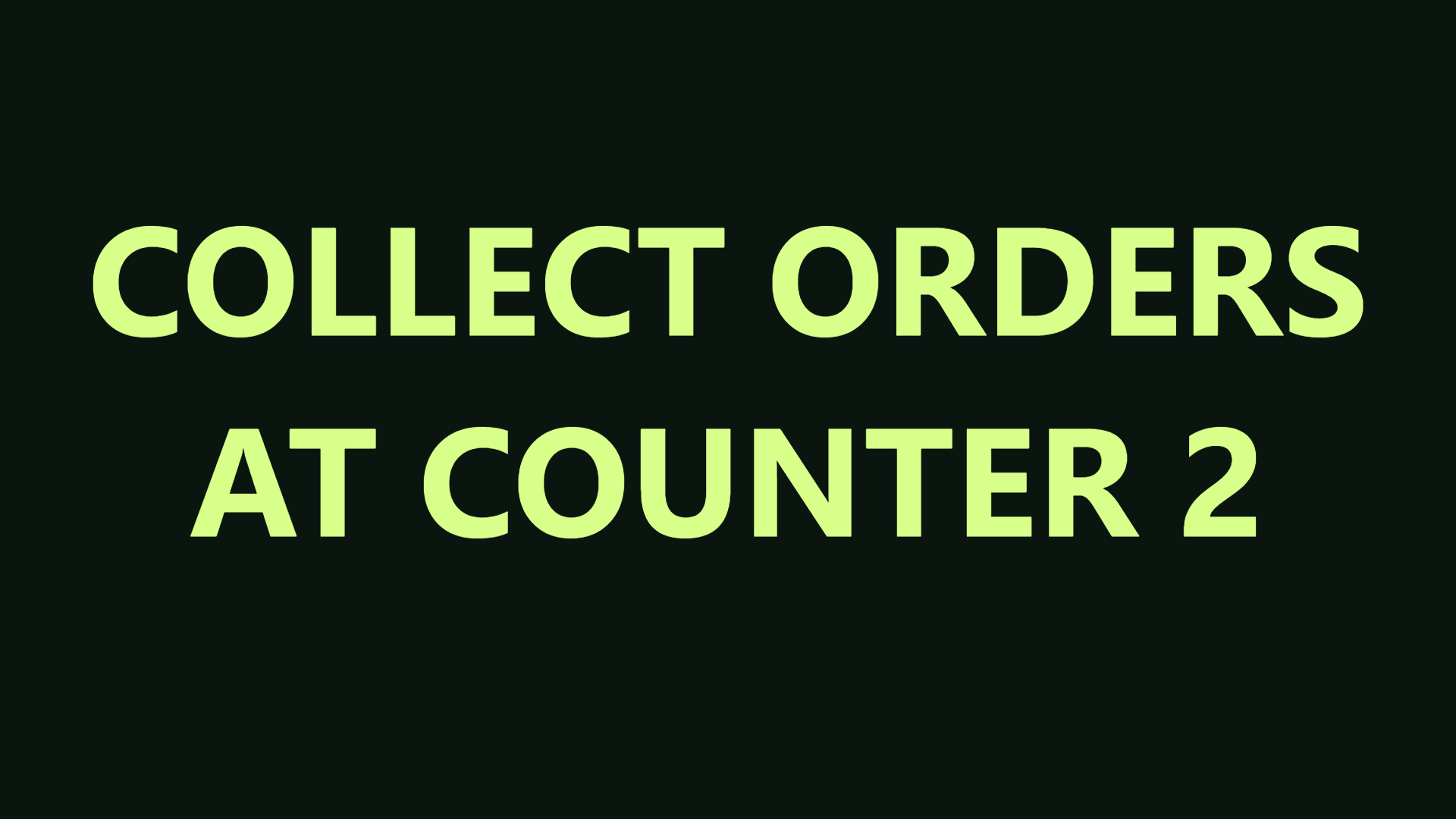
A clear collection-point sign: COLLECT ORDERS / AT COUNTER 2
Still image exported from Paai Fai · 1920 × 1080

Two lines separate the action from the collection point. Plain lettering and one colour keep attention on the instruction.

  1. Type “COLLECT ORDERS”, then Enter and “AT COUNTER 2”
  2. Choose Minimal, Still and Fit automatically
  3. Check the counter number on the display device
Follow the complete walkthrough →

Count down to the next activity

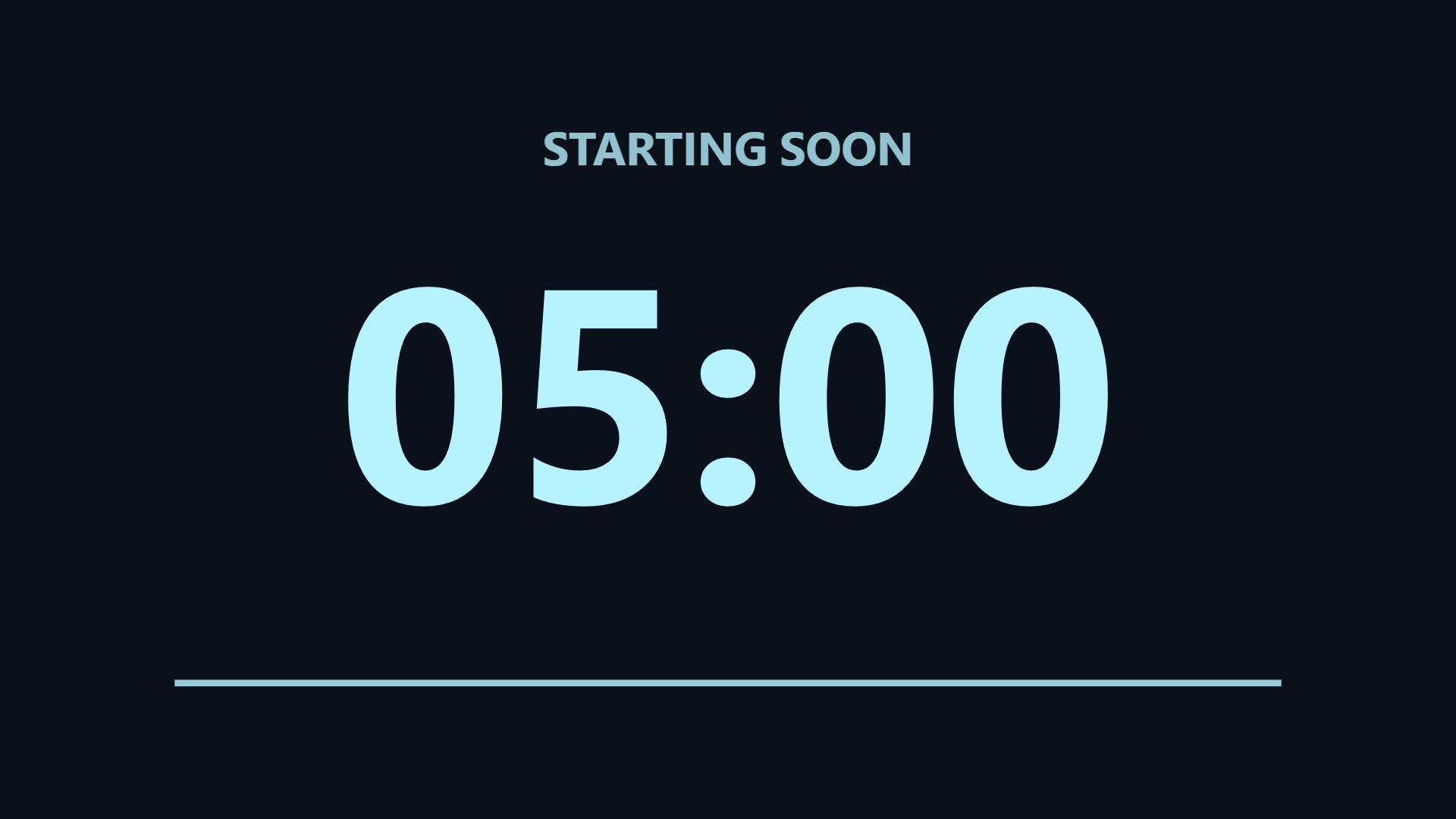
Count down to the next activity: STARTING SOON
Still image exported from Paai Fai · 1920 × 1080

Keep the heading separate from the time. This illustration is frozen at five minutes; start the actual timer in the editor.

  1. Choose Countdown and enter “STARTING SOON”
  2. Set a five-minute duration and start the timer
  3. Set the finish message, then rehearse a complete countdown
Follow the complete walkthrough →
Browse all guides
led

Install Paai Fai on your phone and use it offline

Turn your phone into a sign without finding a store app. Open Paai Fai, type a message and choose a style. A home-screen icon is optional for quicker access.

Read the guide →
led

Make a scrolling LED banner online

Use Paai Fai as an online LED scroller, neon sign or still display on your phone, tablet or computer. Type a short message, choose its movement and try fullscreen without installing an app.

Read the guide →
concert

A concert message that works on your phone

A short phrase usually reads better than a paragraph. Prepare your message before the show and choose a soft effect that fits the moment.

Read the guide →
shop

Shop signs with a consistent style

Use a browser screen to show an opening message, practical information or an offer you have defined. Keep conditions clear and the message easy to read.

Read the guide →
event

Give the next moment a clear countdown

A large countdown helps people see when an activity begins. Paai Fai uses the device clock and keeps the chosen end time when animation is paused.

Read the guide →
STUDIO

Build a sequence for the whole event

Message sections share one style. Scenes can each use a different layout, photo, drawing and display mode.

Read the guide →
STUDIO

One editor, several connected screens

A temporary room relays live messages. Light-wall mode uses screen positions and approximate time synchronization for slow colour patterns.

Read the guide →
STUDIO

Move the project by keeping your own file

Share links carry settings. A project backup carries the local artwork you need for further editing on another device.

Read the guide →

Frequently asked questions

How do I make scrolling LED text online?

Type your message, choose the LED style, set a comfortable speed and open fullscreen. Paai Fai runs in your browser without an account or download.

Can I use this LED banner app on iPhone or Android?

Yes. Open paaifai.com in a supported browser on your phone. You can optionally add the web app to the home screen. Native fullscreen and rotation depend on the browser; a rotated sign-area fallback is available.

Can scrolling text move vertically or diagonally?

Yes. Choose horizontal, vertical, diagonal or a custom scroll angle. Up to eight lines can move together using the same style, with separate controls for rotating the letters.

Is Paai Fai free?

Core sign tools are free without an account. Temporary remote rooms have explicit daily and session quotas. AI is not enabled.

Are my photos uploaded?

Photos, drawing strokes, music and project files stay on your device. An optional remote room relays only text, settings and commands temporarily.

Does a share link include my artwork?

Normal links and QR codes exclude local photos and drawings. Export PNG or video for finished artwork, or a project file for further editing.

Can I use it offline?

Load the application fully online once. Cached core tools and local files can then work offline. Remote rooms require an internet connection.

Full guide: Messages, drawings, scenes, backups and remote screens →